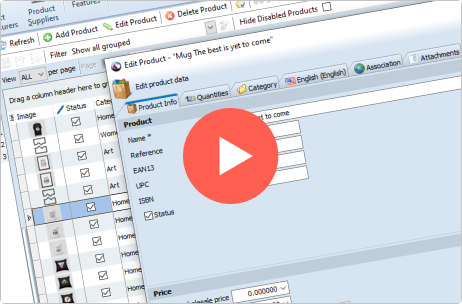
Product Information

Store Manager for Magento was designed to enhance the functionality of default admin web interface, bring new cool features, automate routine tasks and simplify day-to-day operations.

Download DEMO or TRIAL versions to get better understanding of what it is.

Store Manager for Magento Features

General» Category Management» Product Management» Attribute Management» Customer Management» Order Management» Reports»

System requirements:

For Windows Users:

  • Windows XP / Windows Me / Server 2003 / Server 2008/ Vista / Windows 7 32/64 bit
  • 1Gb RAM
  • 1024×768 screen resolution and higher
  • Internet connection

For MAC Users:

Store Manager requires a PC Emulator to run on a MAC.
Please note that this does reduce the performance of the Store Manager software.
You can use the following compatible PC Emulators:

if you want to run Windows and Mac applications at the same time, without rebooting, you can install Windows using VMware or Parallels software.

For Linux Users:

For Linux users we recommend VirtualBox and Windows installation; you can get more information at www.virtualbox.org. Please note that this does reduce the performance of the Store Manager software.

Store Manager Installation Wizard

Store Manager Installation Wizard is an easy-to-use windows application which allows you to select among several options such as: create or do not create a shortcut, install or do not install plugins and report tool, etc. So, it doesn’t require any special skills to run and you can concentrate on your basic business tasks. Basically, all you need is simply click on the next button.

  • Direct connection to the MySQL database (no additional php modules or server changes needed)
  • Instant changes – all changes you made are applied to your store immediately, no synchronization, no delayed updates
  • PHP MySQL bridge – work with your store without direct MySQL connection
  • Embedded MySQL server – work locally with your data and apply changes to remote database after they are done
  • SSH support – for secure connections
  • Supports multiple MySQL versions including MySQL 5; MySQL compressed protocol support for better speed!
  • Magento database backup/restore – keep your data safe
  • Store configuration – edit all store settings in one window
  • Encrypted passwords for increased security
  • Only few required options – do your job but not waste your time investigating the program

Read more

  • Create, edit, delete categories
  • Manage category tree
  • Manage category images
  • Select one of custom designs for different stores and store views
  • Export categories from your shopping cart database into .csv file which can be easily opened in Excel
  • Import categories from .txt/.csv file provided by your supplier into your Magento store database

Read more about Category Management

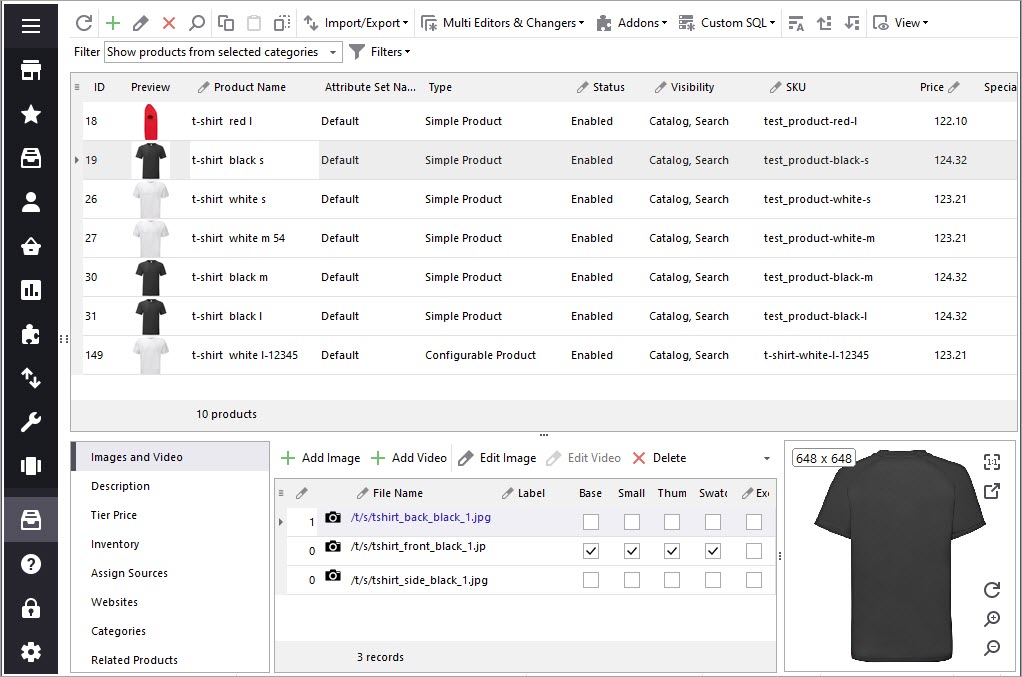
  • Create, edit, delete products
  • Copy, paste and clone products
  • Specify product types for multiple products at once  Watch Video tutoral
  • Manage product names and descriptions for multiple stores and store views
  • Edit product description using HTML editor
  • Manage product images, upload, import/export
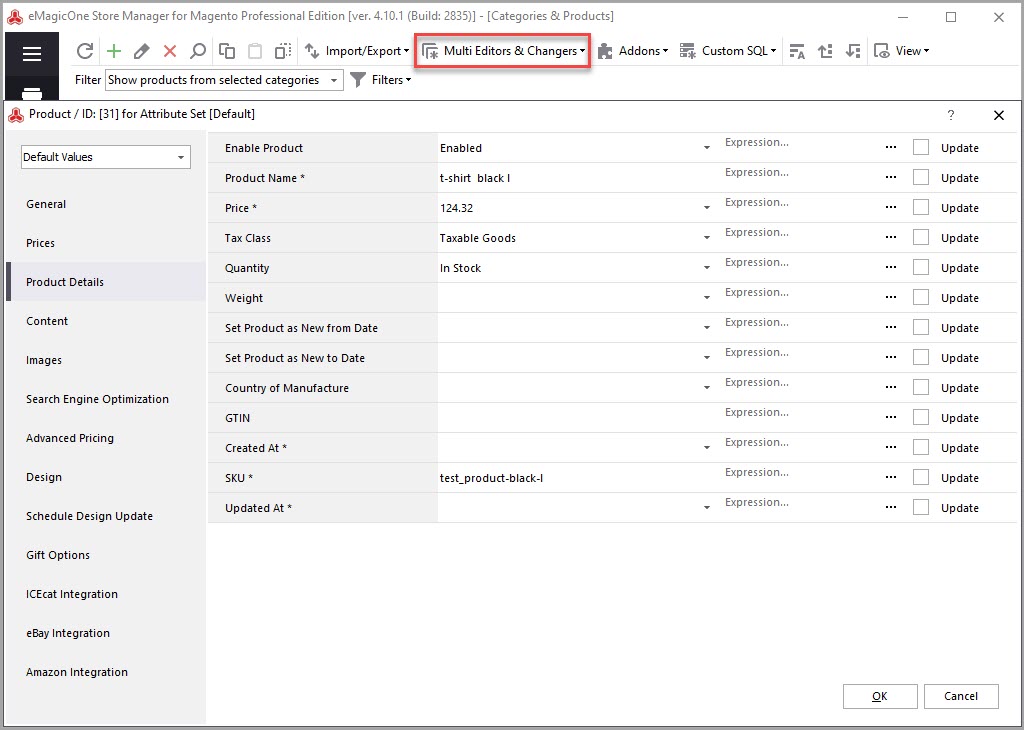
  • Manage multiple products at once using Products or Inventory Multi Editor  Watch Video tutoral
  • Assign multiple categories to product(s) at once
  • Easy product navigation – quick product search with advanced search options, multiple filters and much more
  • Search products by ID, name, model, product description and specify results relevancy
  • Specify meta information – Page title, meta keywords and meta description
  • Specify different page layout for different stores and store views
  • Filter products by name, type, attribute set, SKU, price, quantity, etc
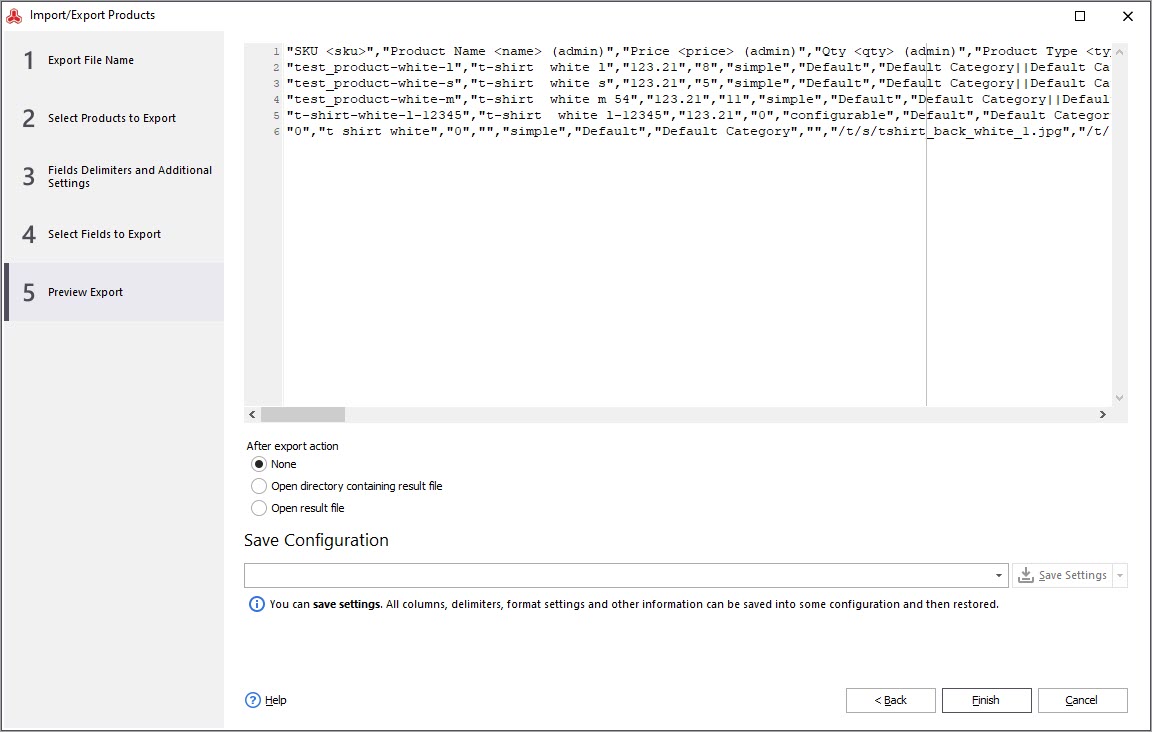
  • Export products from your shopping cart database into .csv / .xls file
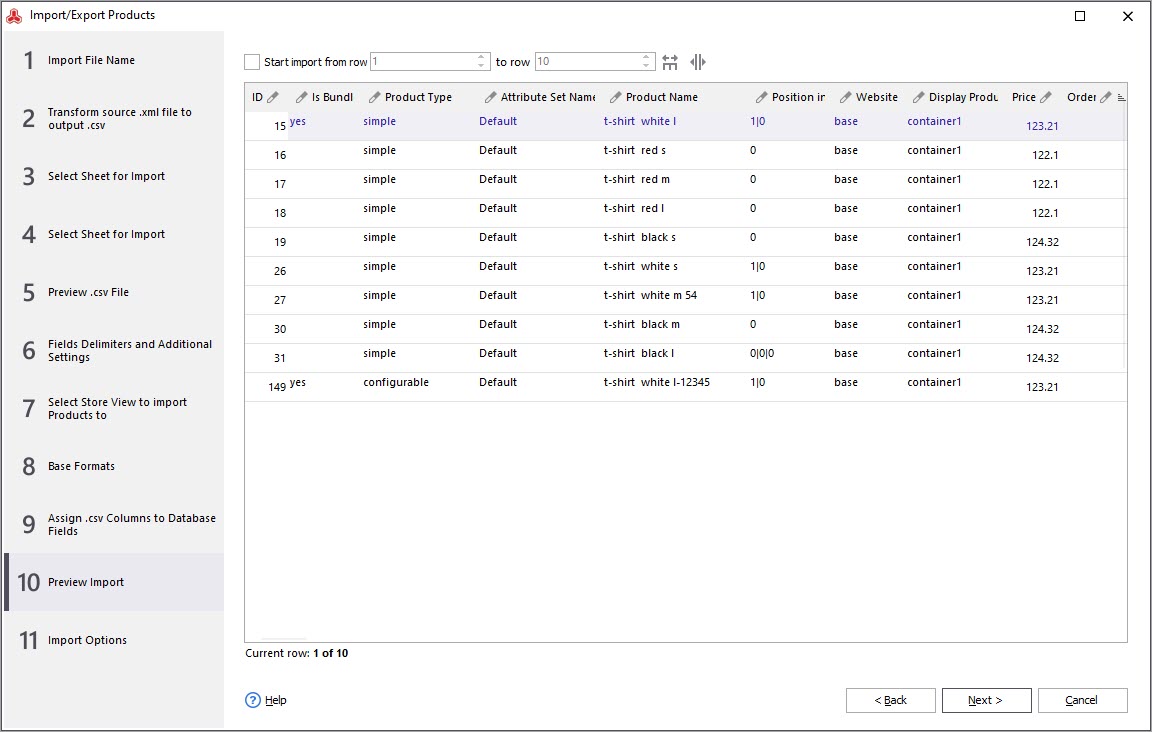
  • Update products using .txt/.csv file from your supplier. Import products into your Magento store database. Automatically create category tree while importing or assigning multiple categories. Set default values for any database field. Perform calculations during the import (for example add 20% to product price)  Watch Video tutoral
  • Add, edit, delete custom options
  • Set tier prices – appeal to customers who buy more than one product at a time
  • Assign product tags to help your customers organize and remember the products they have seen
  • Specify Upsells for any product – offer items that your customers would ideally buy instead of the product they’re viewing
  • Specify Cross-Sells and Related Products

Read more about Product Management

  • Manage user defined and visible system attributes
  • Create, edit, delete attributes
  • Manage attribute properties
  • Assign multiple attributes to attribute groups
  • Add, edit, delete attribute groups
  • Manage attribute sets – a collection of attributes
  • Export attributes from your shopping cart database into .csv file which can be easily opened in Excel
  • Update attributes using .txt/.csv file from your supplier

Read more about Attribute Management

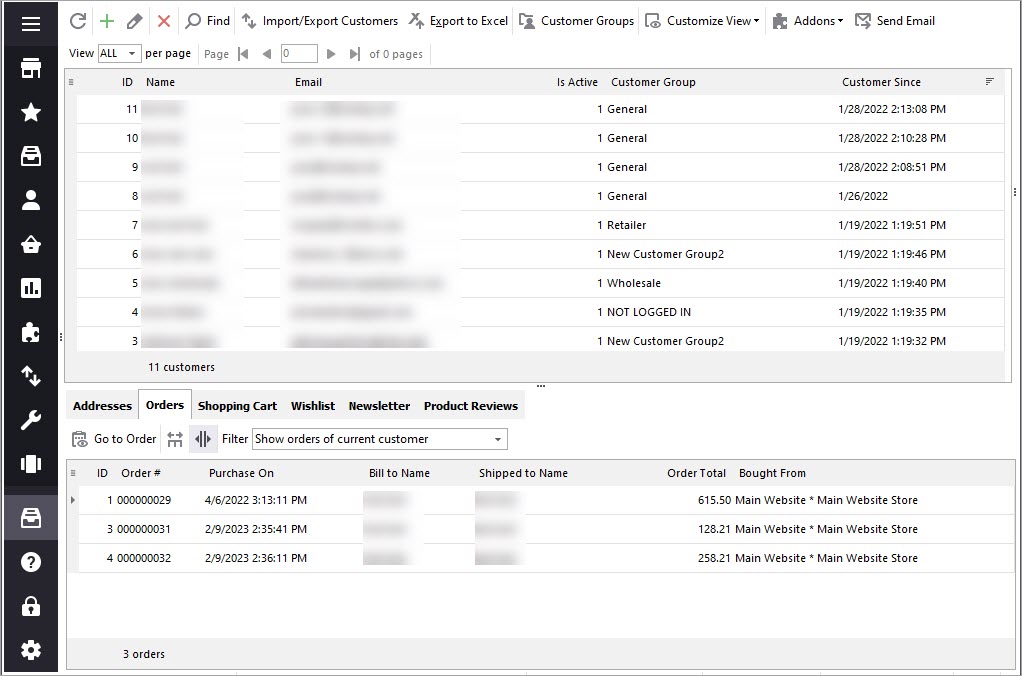
  • Edit or delete customers
  • Track customers’ orders
  • Search for customers by name, address, email, phone, items purchased, etc
  • Filter customers by time period or ordered products
  • Manage multiple addresses and specify which address is the Default Billing Address and which is the Default Shipping Address
  • Manage customer’s wishlist
  • Subscribe or unsubscribe current customer from the newsletter, as well as view a list of all newsletters that this customer receives

Read more about Customer Management

  • Preview orders and orders’ details
  • Search for order by customers name, date, address, etc
  • Filter orders by time period, products or customers
  • Check order status
  • Preview invoices, shipments and orders comments

Read more about Order Management

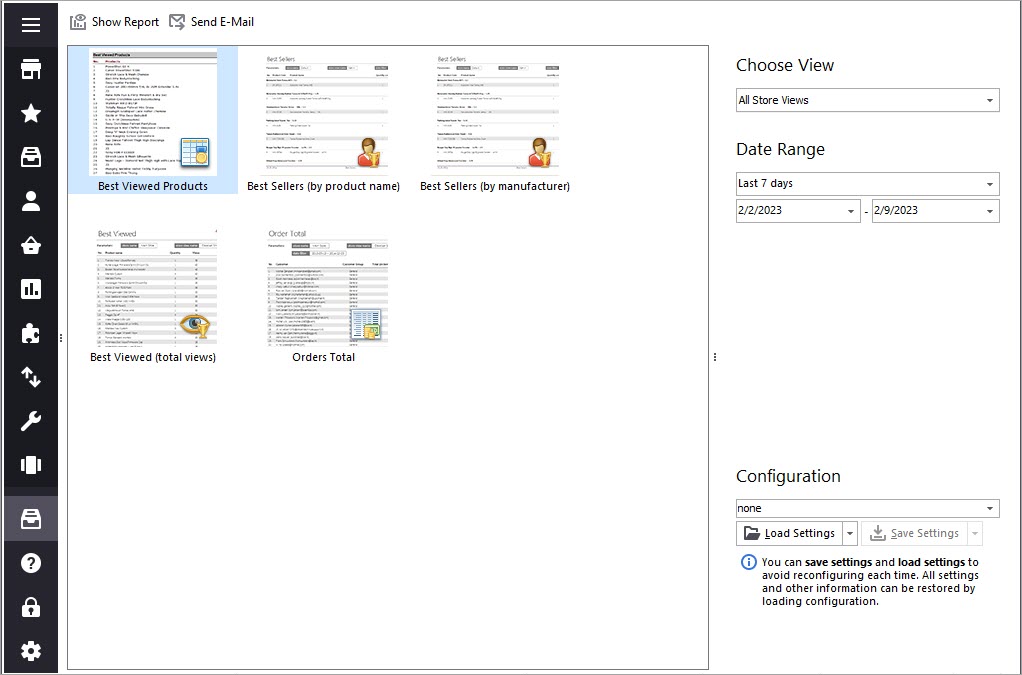
Store Manager offers the best built-in reporting capabilities. Plus all reports can be modified and new reports can be created. When you open any report, the following options are available: print, save, see the report outline, specify page settings and more. Also there are numerous export options available. You can save current report as an image, PDF file or a table and open it later for deep analysis.

Store Manager for Magento allows you to compare data from different areas of your business and helps you in appropriate decision making. Making right business decisions in a right time will help your store to correspond customers’ needs. And more customers result into more profit.

Read more about Reports