
How to perform category import to Magento 2
Having launched Magento 2 store or upgraded to newer version, you should commence on catalog setup and traditionally it starts from adding its backbone, product categories.
Magento boasts of its hierarchical category navigation, that allows you to arrange categories and subcategories of different levels and simplify catalog browsing for customers visiting your online shop. Out-of-the box there is no option to perform Magento 2 import of categories in the back-office so that you can resort either to manual category tree creating or import categories together with products through default import option.
Important
In Magento 2 all the categories are subcategories to default Root category. This is the highest level category that nests entire tree of categories and subcategories and does not display at the frontend. Only one Root can be active per one store in Magento.In case you do not install sample data in Magento 2, you will have only Default root category under which required categories of any levels can be created. If you prefer to create category tree manually, add one by one specifying its place in hierarchy.
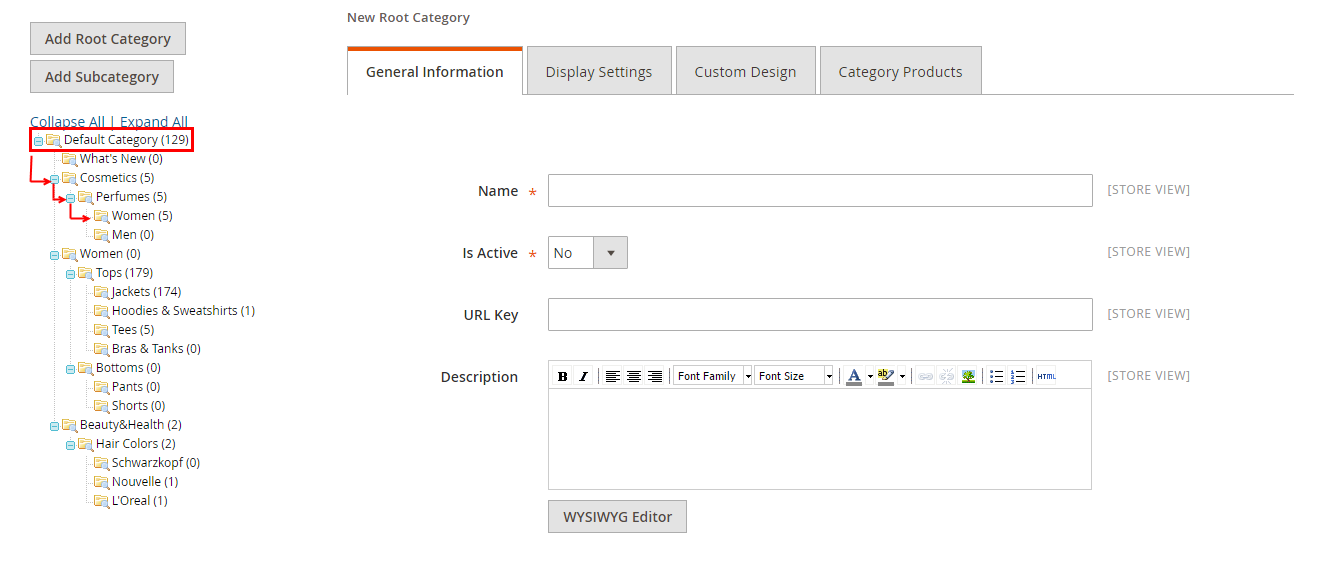
Import Category Tree to Magento 2 with Default Import Tool
Magento 2 extends import possibilities and facilitates category creation if there is a full category path in the import file. In this way, if you specify category path for a product A in the import file and no category exists by this path, Magento 2 will create it and place product A there.
Below you can find the extract from the file used for product import via Magento admin. Each of products has full category path or several paths ascribed. Import will result in creating category tree structure as it is outlined in the file.
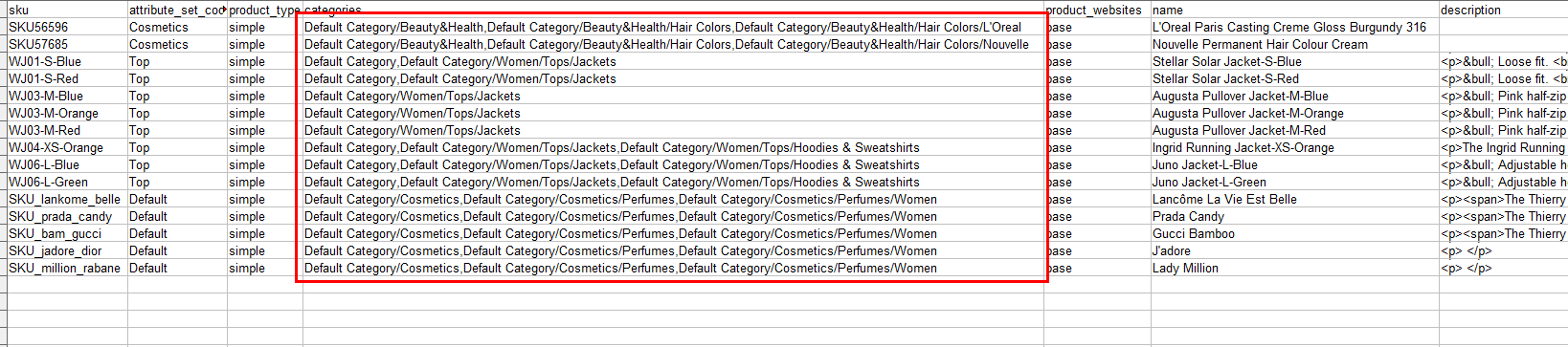
Theoretically, this trick may help you import category tree to Magento 2 Open Source or Adobe Commerce. Though there are several aspects to consider. Suppose you have thousands of products to be uploaded to Magento 2. There is only default category and you should specify imaginary category paths to each product in the file. Certainly there might be multiple levels and sublevels of categories and to create them you should accurately fill paths, so that hierarchy will be preserved after import.
Moreover, you might need to set multiple category associations, that means one item will be assigned to several categories. Then paths to each category must be indicated in the import file and separated by multiple value delimiter, for example
Default Category/Beauty&Health,Default Category/Beauty&Health/Hair Colors,Default Category/Beauty&Health/Hair Colors/L'Oreal
When uploading this file via default import functionality, you should use the same separator.
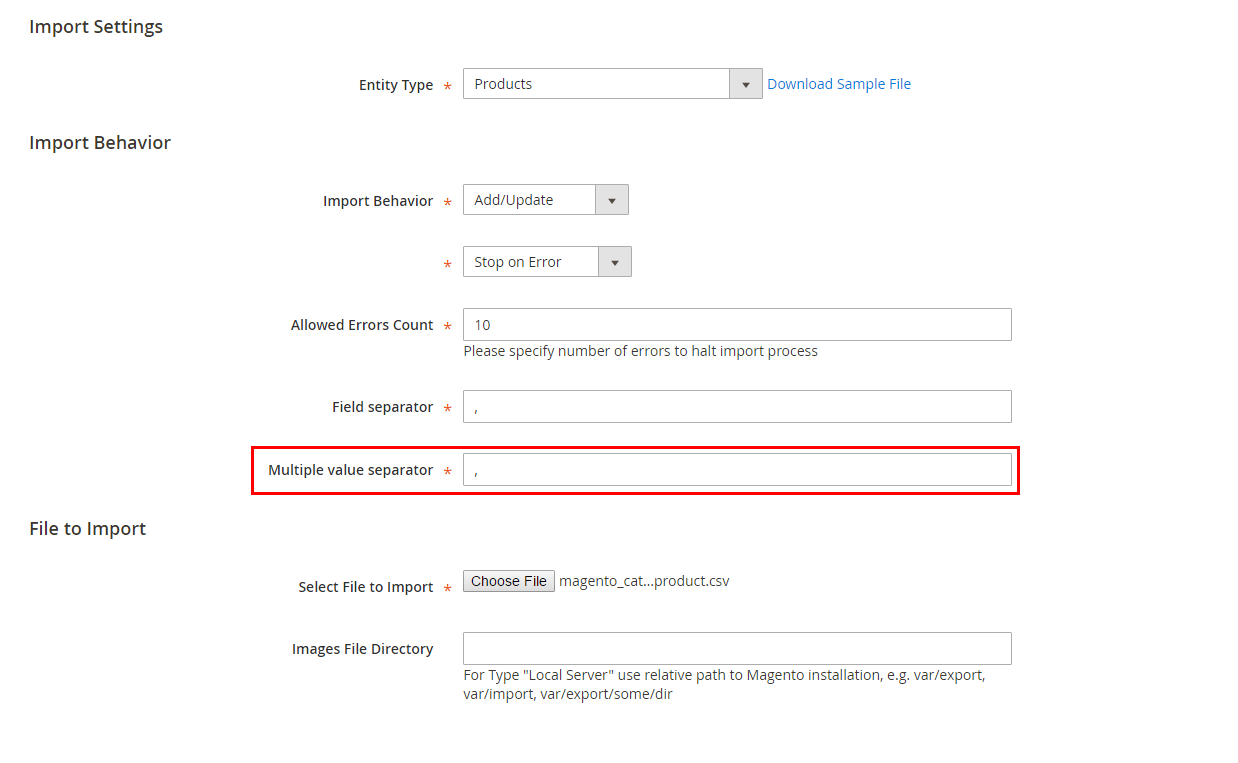
These manipulations make it possible to import category tree to Magento 2 but it is hardly possible to prevent muddles when setting up import file.
To bypass them you can first import categories to Magento 2 and afterwards replenish them with products via Store Manager for Magento. It greatly enhances this implied process and reduces it to a few intuitive tasks.
Perform Category Import to Magento 2 with Store Manager
Store Manager possesses category import wizard for bulk category/subcategory adding. It allows to create Magento 2 categories and specify related details, like description, display settings, meta information, category image within several clicks only.
Import Categories to Magento 2 FREE Import Categories Now!
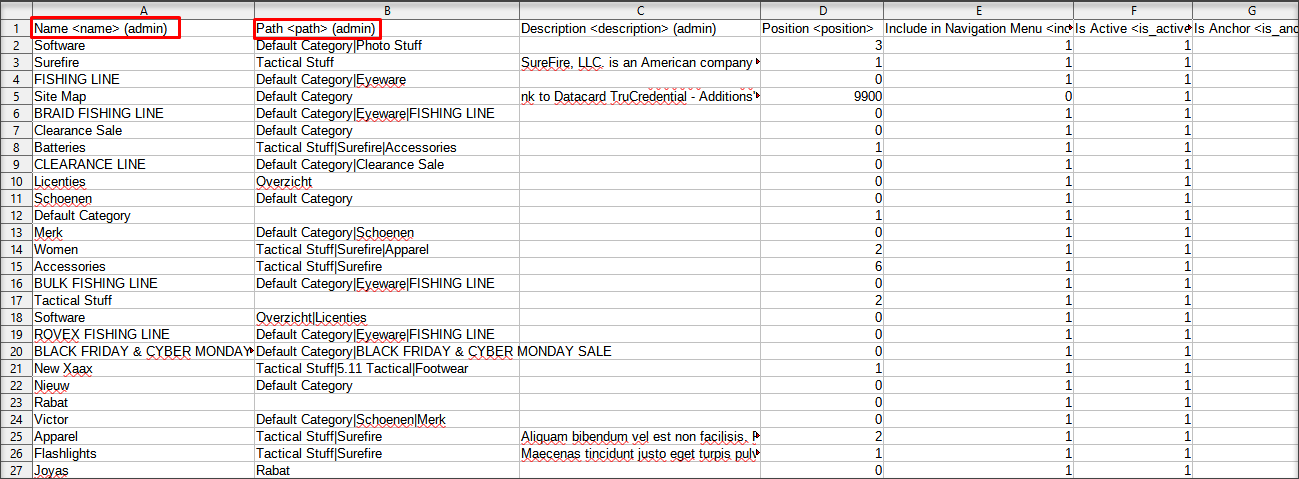
What details should import file include to get category tree of multiple levels created? Look at the screenshot attached.
*Required Fields
- Name - specify name of categories to be created under Name column in the import file
- Path - to build hierarchy you should specify the path to each category in adjacent file column, for example L’Oreal is the subcategory of the fourth level, its parent category is Hair Color, placed under Beauty&Health category. Each path starts from Default Category, because, as it has been already said it is the main category that initiates category tree at Magento 2.
- Is Active - to make category visible you need to make it active, specifying 1 value in this field of .csv file.
Missing these fields you will not perform category import to Magento 2 though it does not mean these are enough. Provide also meta data, display settings, description and other.
The file with category details should be imported via category import wizard (Store->Import/Export->Import/Export Categories or at the category toolbar).
- Launch Magento 2 category import wizard and select the file:
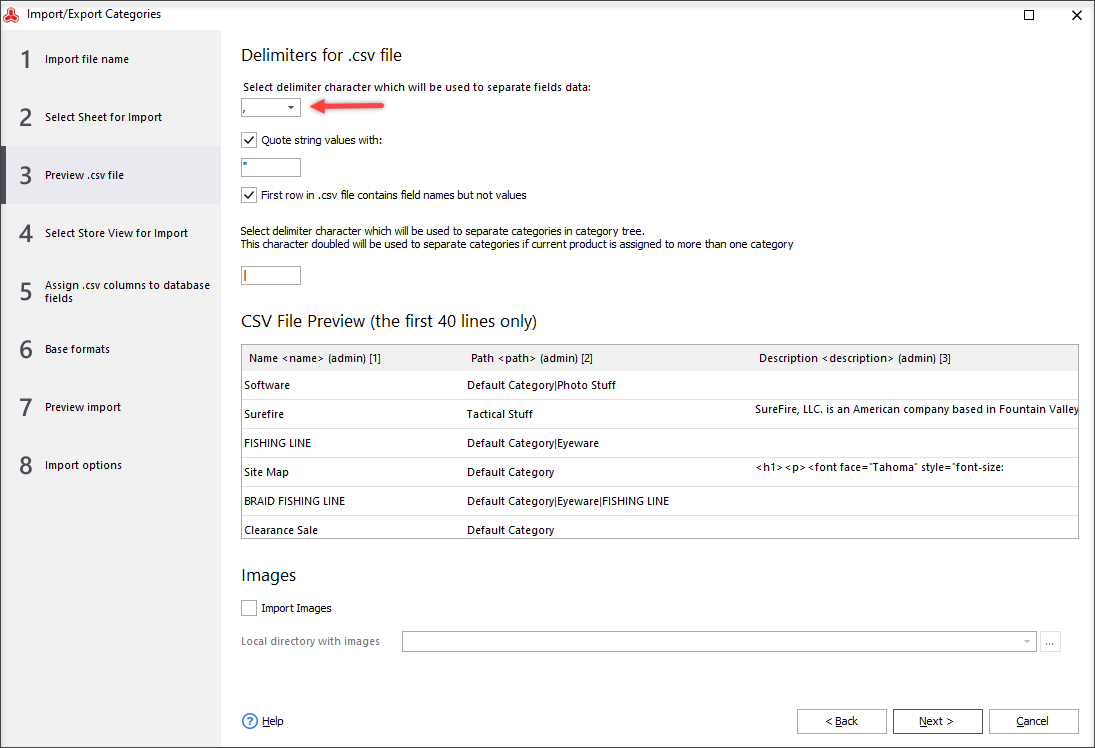
- Preview your CSV file and set file delimiters to get details parsed correctly on the next step:
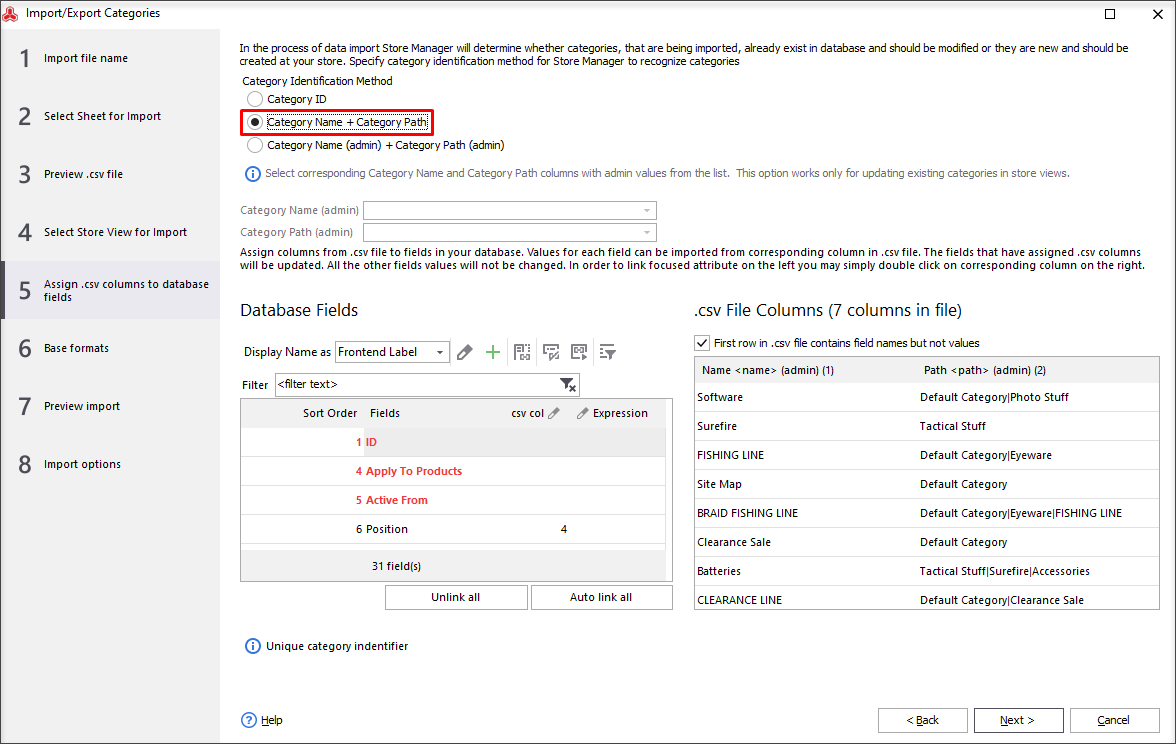
- Map file columns with fields at Magento database and select category identifier Category Name and Category Path (category ID is used for update only).
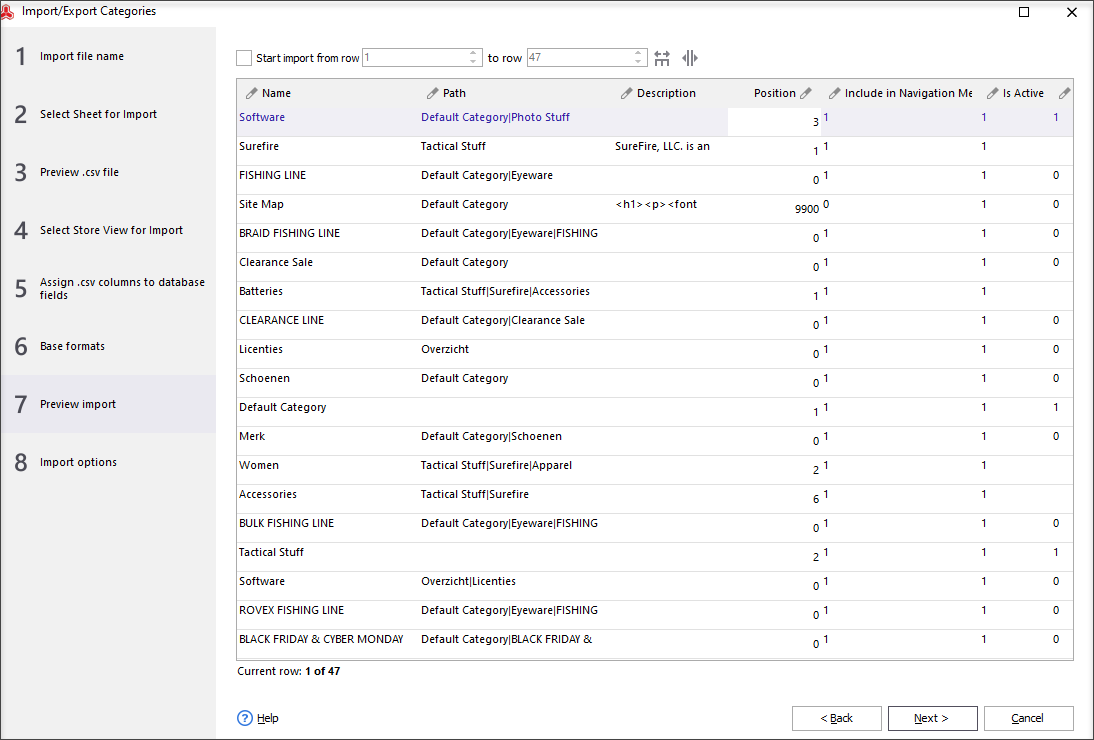
- Preview category related info and confirm upload.
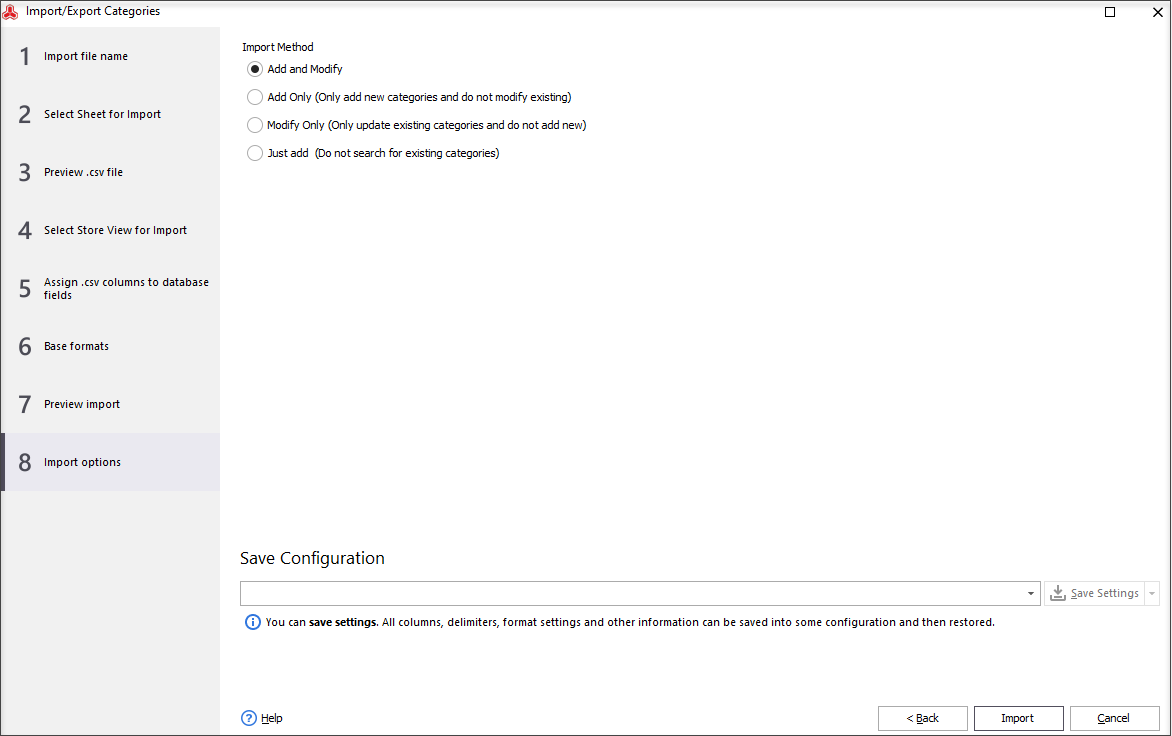
- Select appropriate category import option: Add an modify, Add only, Modify only, Just add. Press "Import" to start the upload:
- Now you can check the result in Store Manager.

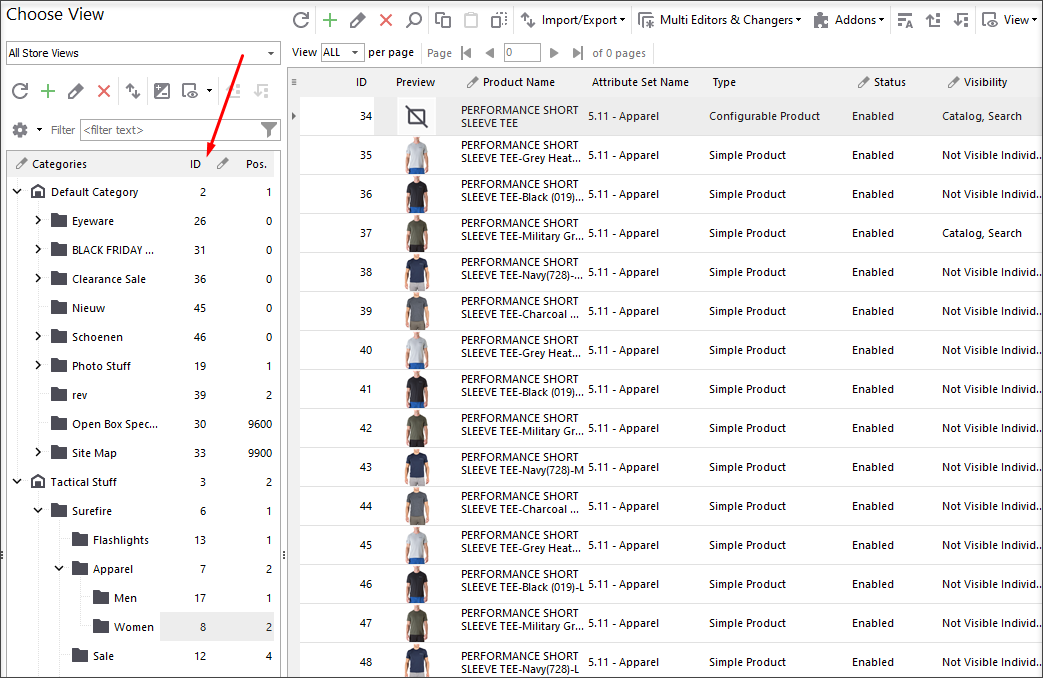
Magento 2 category tree structure has been imported. At the moment they are empty but you can use product import wizard and instantly rich categories with goods.
Store Manager for Magento will help you create catalog from scratch and easily maintain it further.
Import Magento 2 Category Tree FREE with Store Manager Get It Now!
Related Articles:
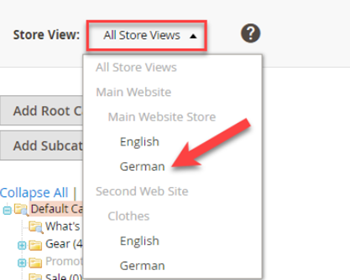
Set Multi-Lingual Category Tree in Magento 2
Find out how to translate category data from the back-end or via Store Manager using the import tool. Read More...
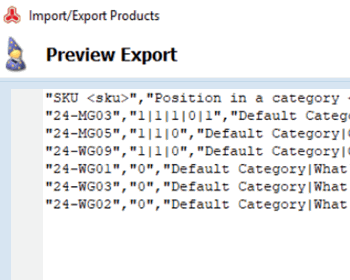
Change Product Position in Category in Magento 2
It is possible to change product position in category in Magento 2 manually for each category via CSV file. Read More...
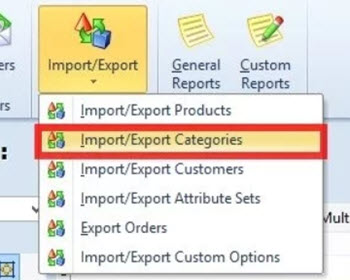
Magento – Export Categories
Export Magento categories (all categories or specific ones) into a .csv file with a possibility to select particular fields to be exported. Read More...
Get a List of Magento Products Without Category
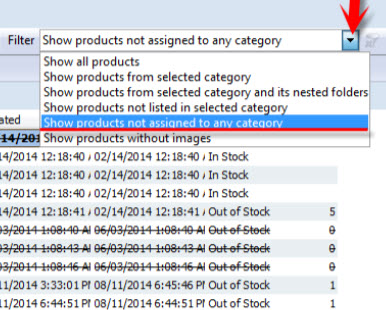
Check the methods of detecting Magento products not assigned to any category of your store and find out the reasons why they appear. Read More...
COMMENTS