
Adobe / Magento 2 customer data management
There is no doubt that customers are the core of any business. So, to make your webstore more and more popular, you need to constantly work on delivering the best customer experience. Disorganized customers data can cost you a lot of misunderstandings and lost purchases. Store Manager for Magento allows to conveniently manage your clients information and escape from the mess with orders. In this article we are going to find out how to get Magento 2 customers data well-structured in a quick way.
Magento 2 Customers Management: Structurize Data
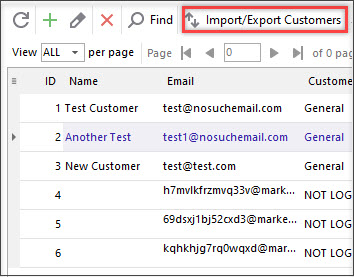
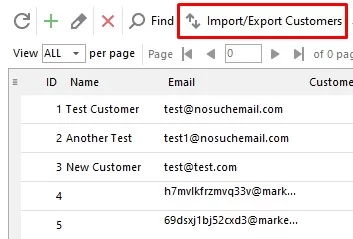
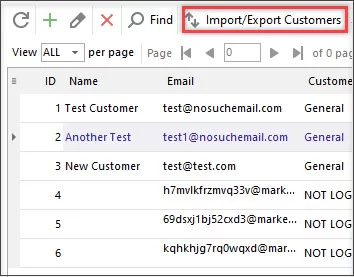
To start handling your customers using Magento Store Manager, you have to first import them to the application. For this go to Customers section and find the Import/export wizard button on the toolbar. If you need some assistance in performing this procedure, read this article "Magento - Import Customers".
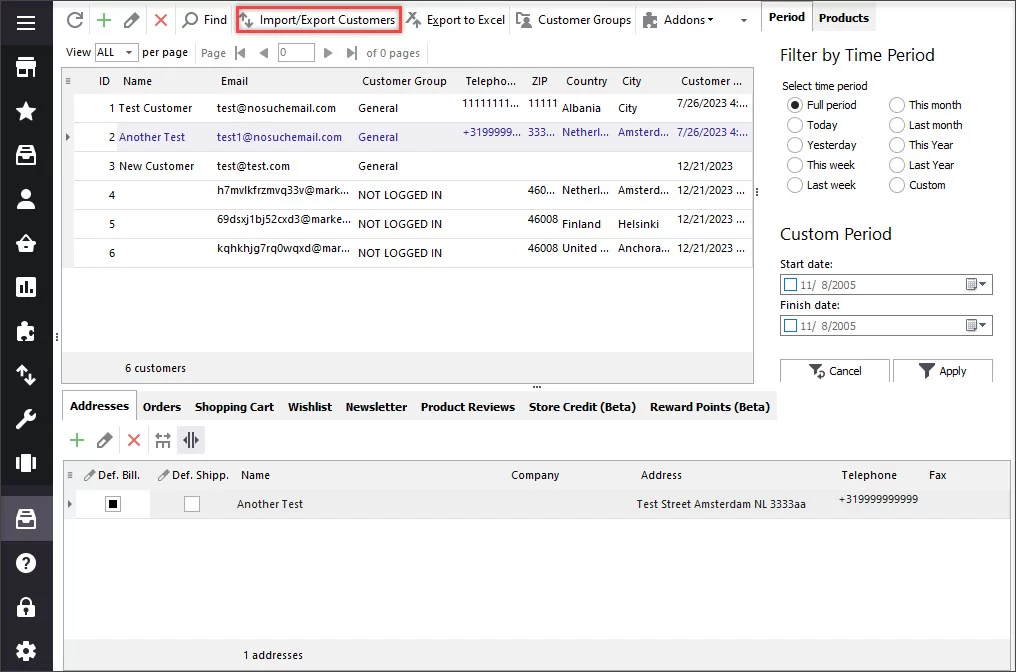
When you have your clients list imported to Store Manager, you can start filling information about them including their address, orders, shopping cart, wishlist, etc. in the lower grid you can find the customers data sections containing a few tabs. Let’s go deeper into every of them.
In this tab you can specify the client’s shipping and billing addresses, name, company, address, telephone etc.
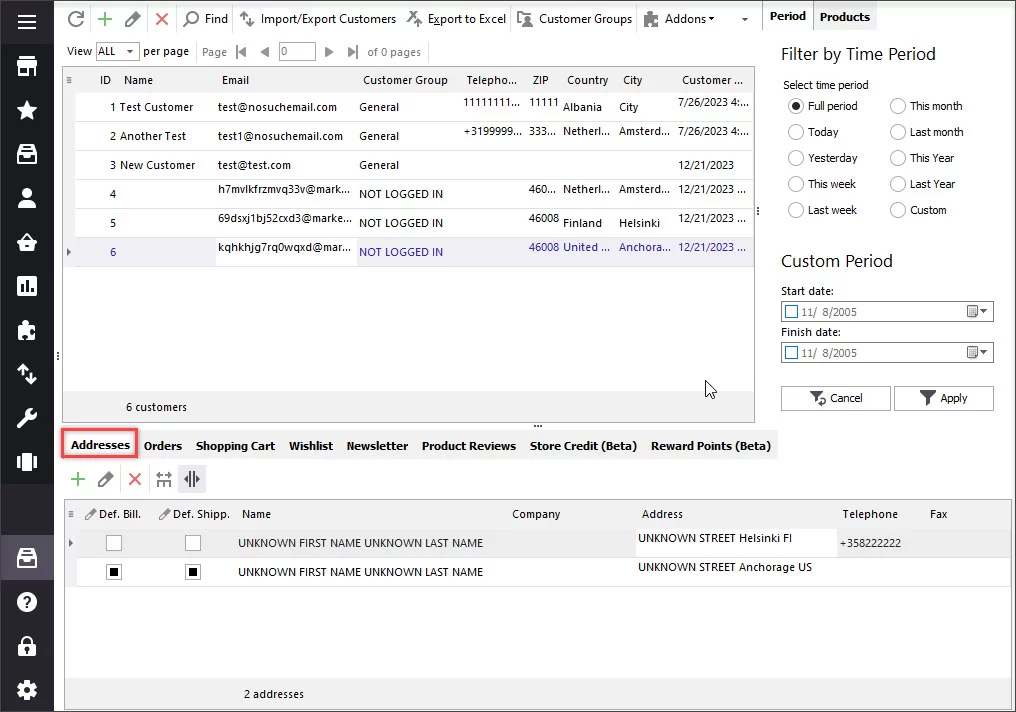
Here you can store the information concerning the orders made by the/ customer like purchase date, order total, name of the store where the purchase was made etc. Pressing Go to Order button will redirect you to the order itself.
In this section you can put the data concerning the products purchased by the customer (product name, SKU, quantity, price, total).
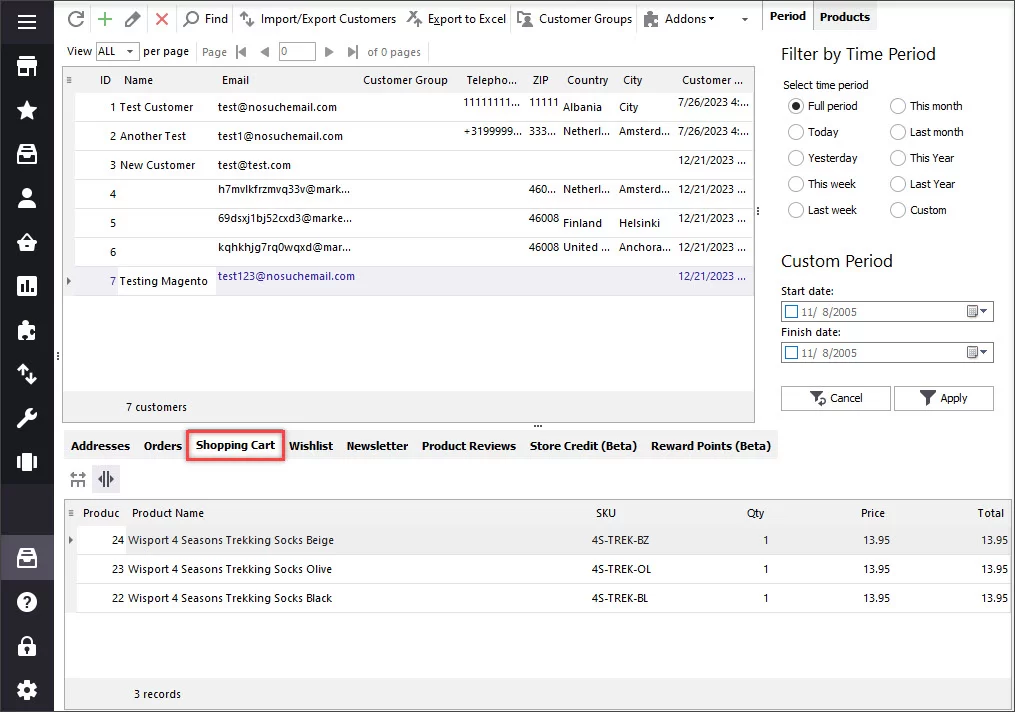
This section is used when a client plans to buy some products in future. In order to save these items, you can add them to the wishlist.
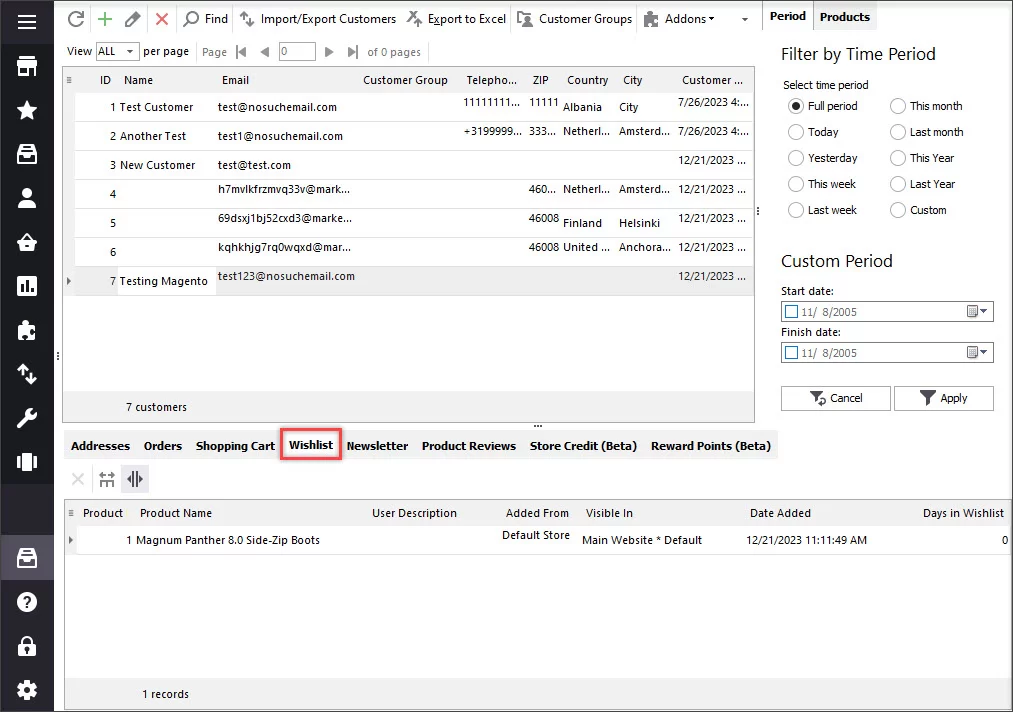
This tab allows you to subscribe or unsubscribe a customer from a newsletter.
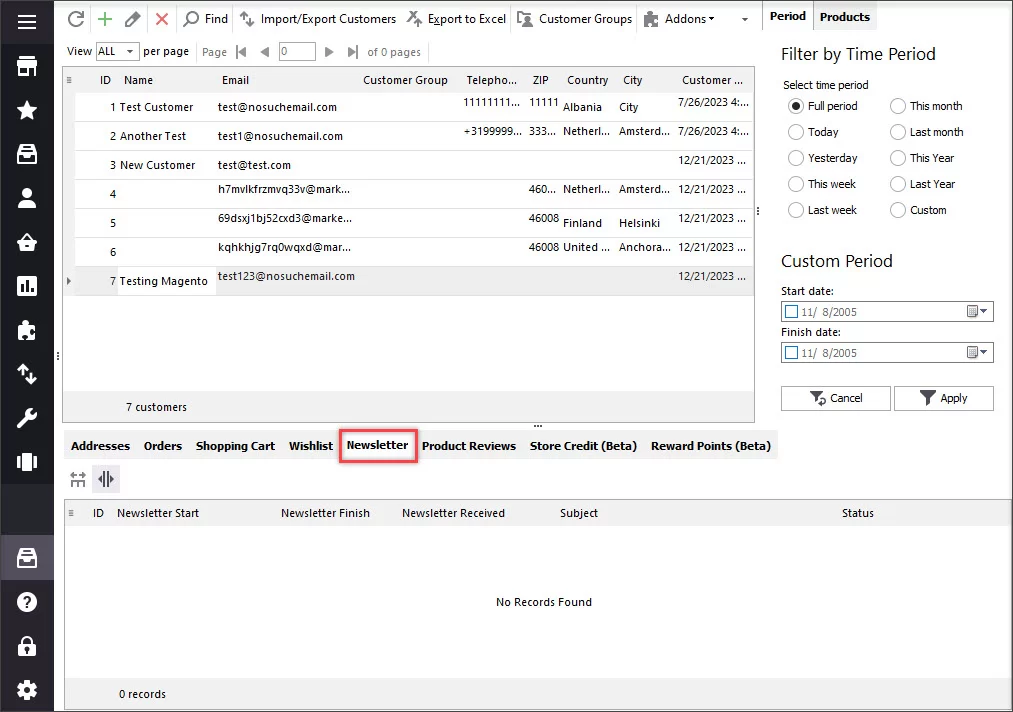
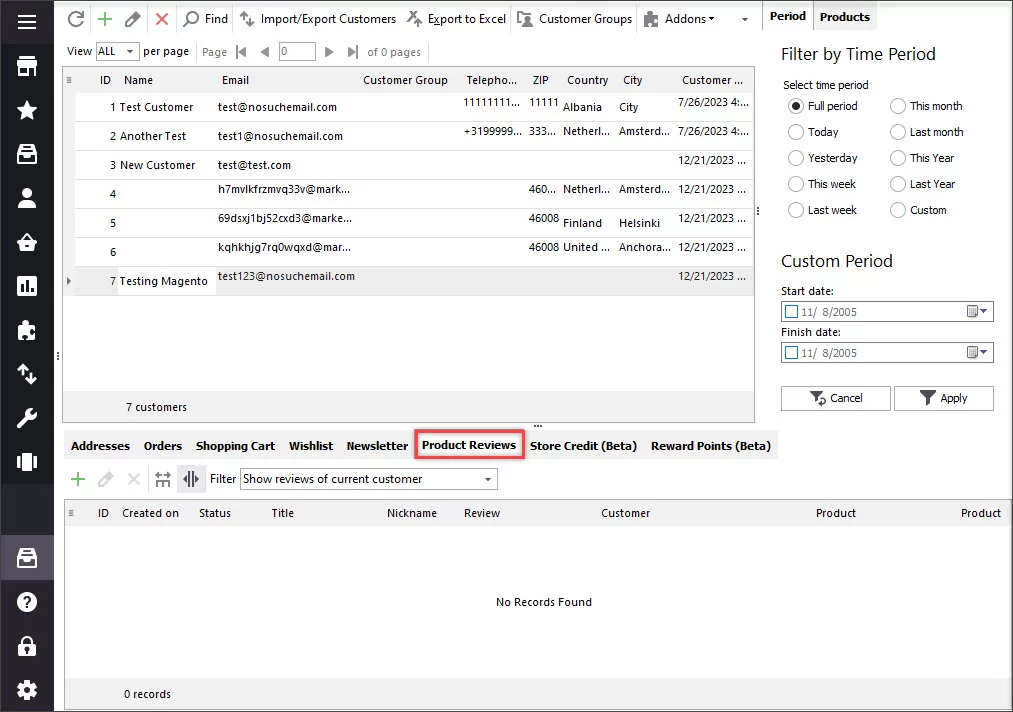
This section is used for storing the product reviews submitted by selected customer or by all the customers of your store. You can add new reviews, edit or remove the existing ones.
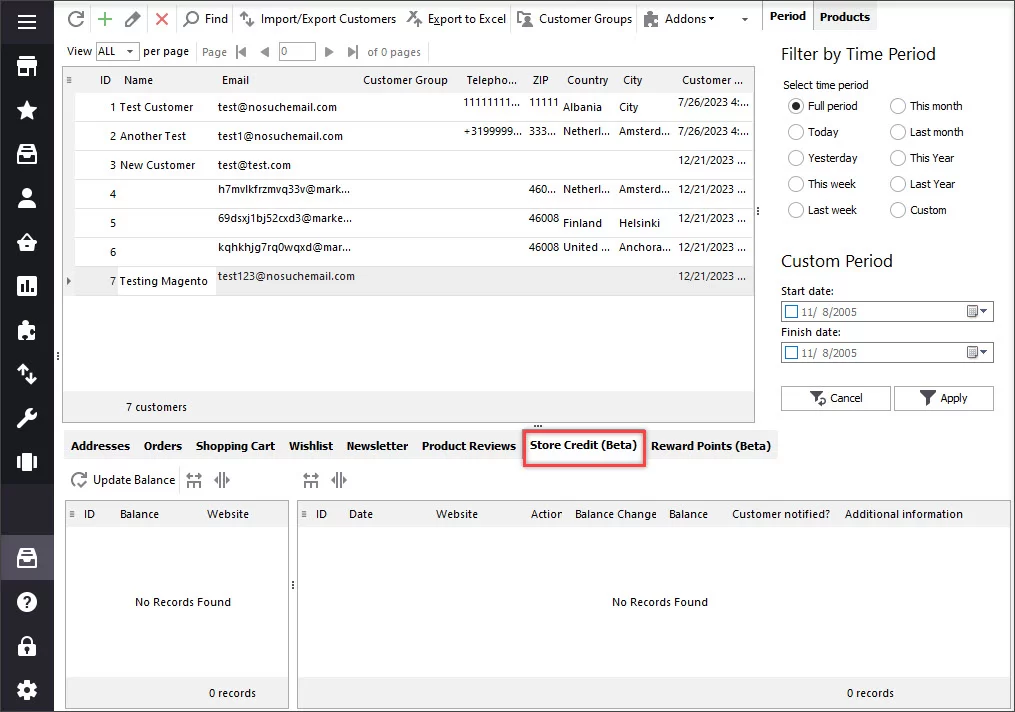
Use this tab to edit your client’s credit balance. To change the balance, press Update balance button and specify the required information in the newly appeared window.
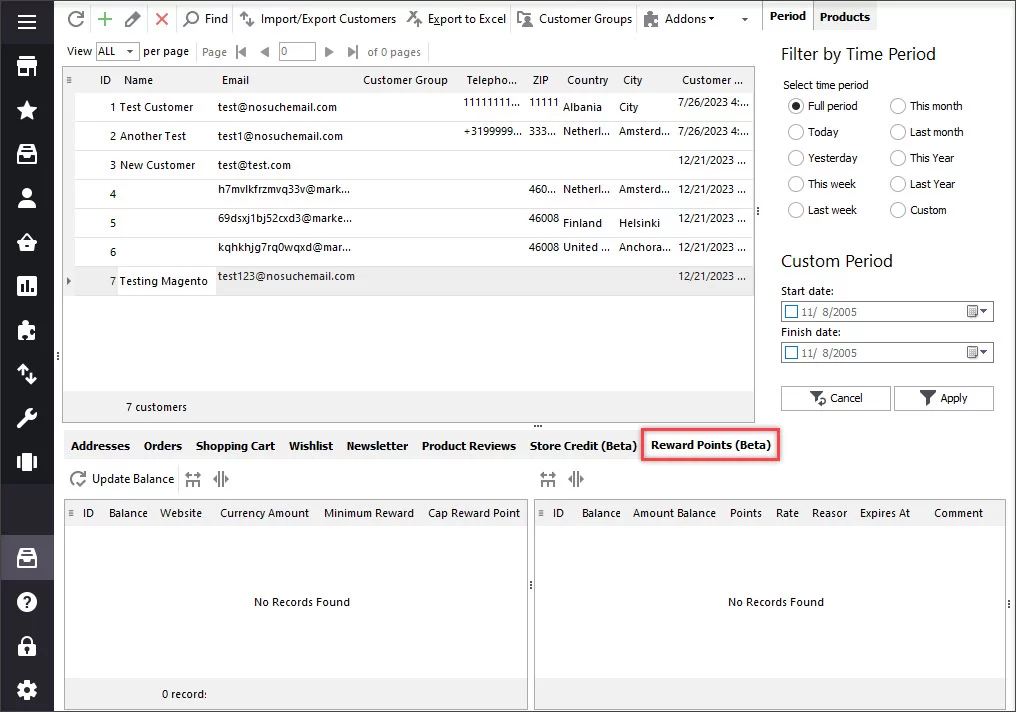
Reward points are used to motivate your permanent customers for making more purchases. These points are given after every purchase made. They are accumulated and afterwards can be converted into monetary units according to the exchange rate you’ve set and applied.
Magento Store Manager keeps on striving to always contribute to convenience and effectiveness of managing your store.
Manage Magento 2 Customers Data FREE with Store Manager
Buy Now
Related Articles:
How to Import Magento 2 Customers
Learn how to upload Magento 2 customers from different file formats (.csv, .xls/.xslx, .ods, .xml and .txt). Read More...
How to Create Magento 2 Reports
Check the variety of Magento 2 reports that can be generated with Store Manager. Read More...
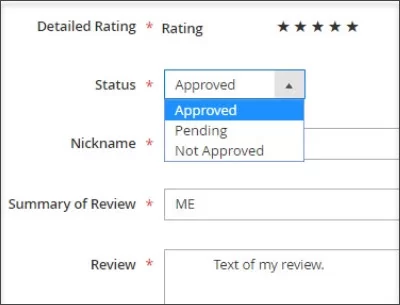
Magento 2 Product Reviews
Magento 2 reviews tutorial: enable product reviews and ratings. Read More...
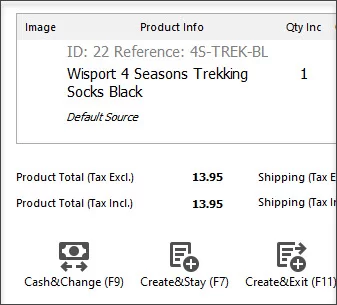
Magento 2 Point Of Sale System
Get the full list of order management possibilities provided by Store Manager's POS tool. Read More...